
Table of contents
Before you begin
Your company added you as a driver. You received a 6-digit code by text message (or your manager gave it to you).
Install the Dropioo Driver app on your phone.
Steps
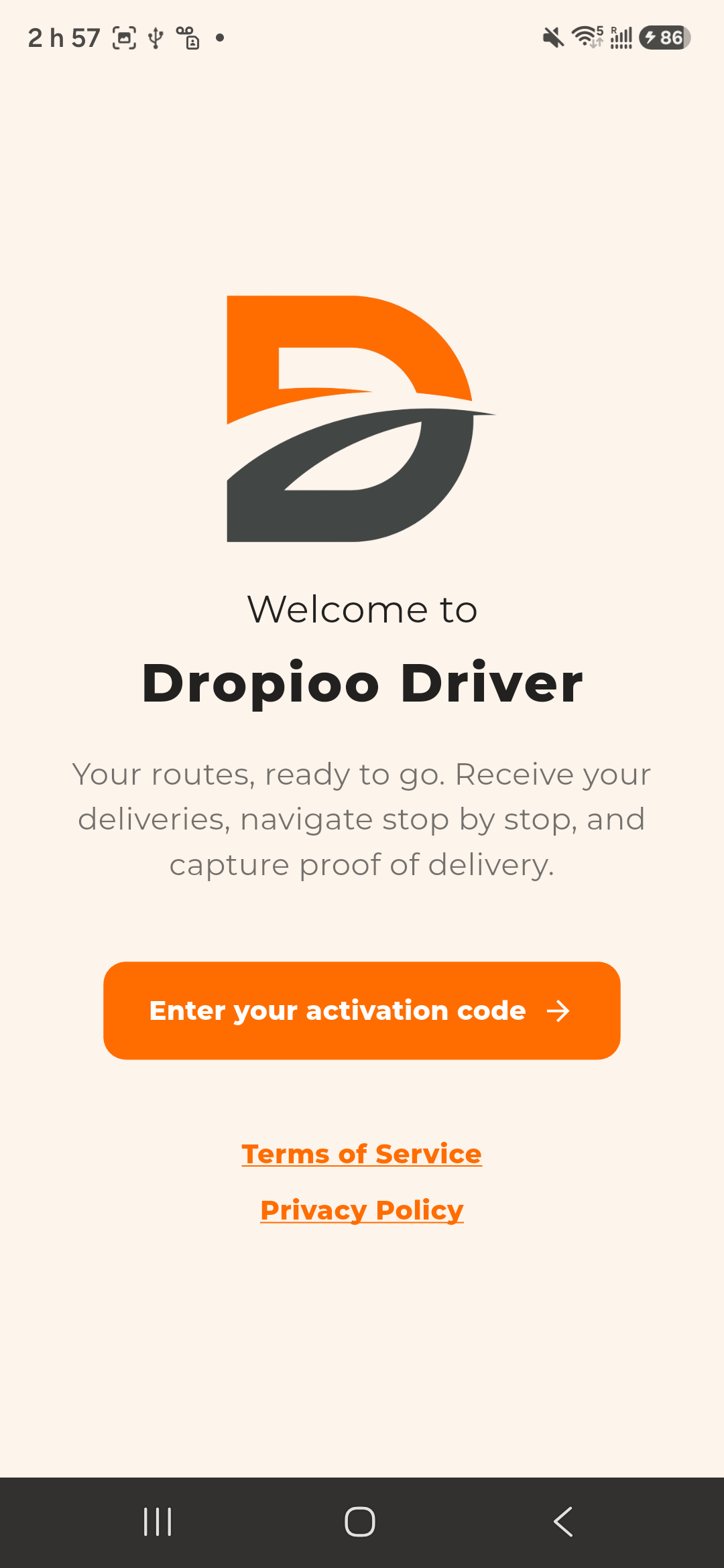
1. Open the app. On Welcome to Dropioo Driver, tap Enter your activation code.
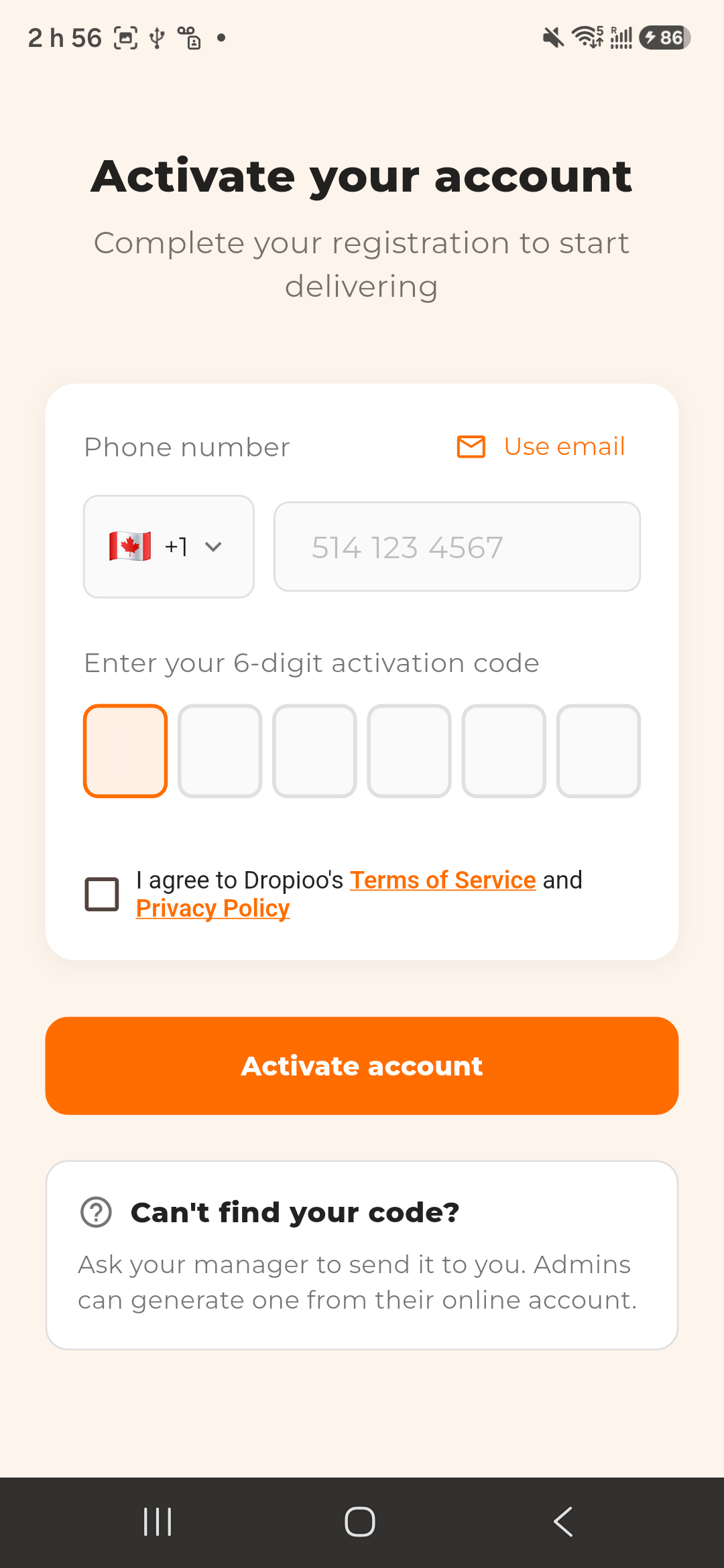
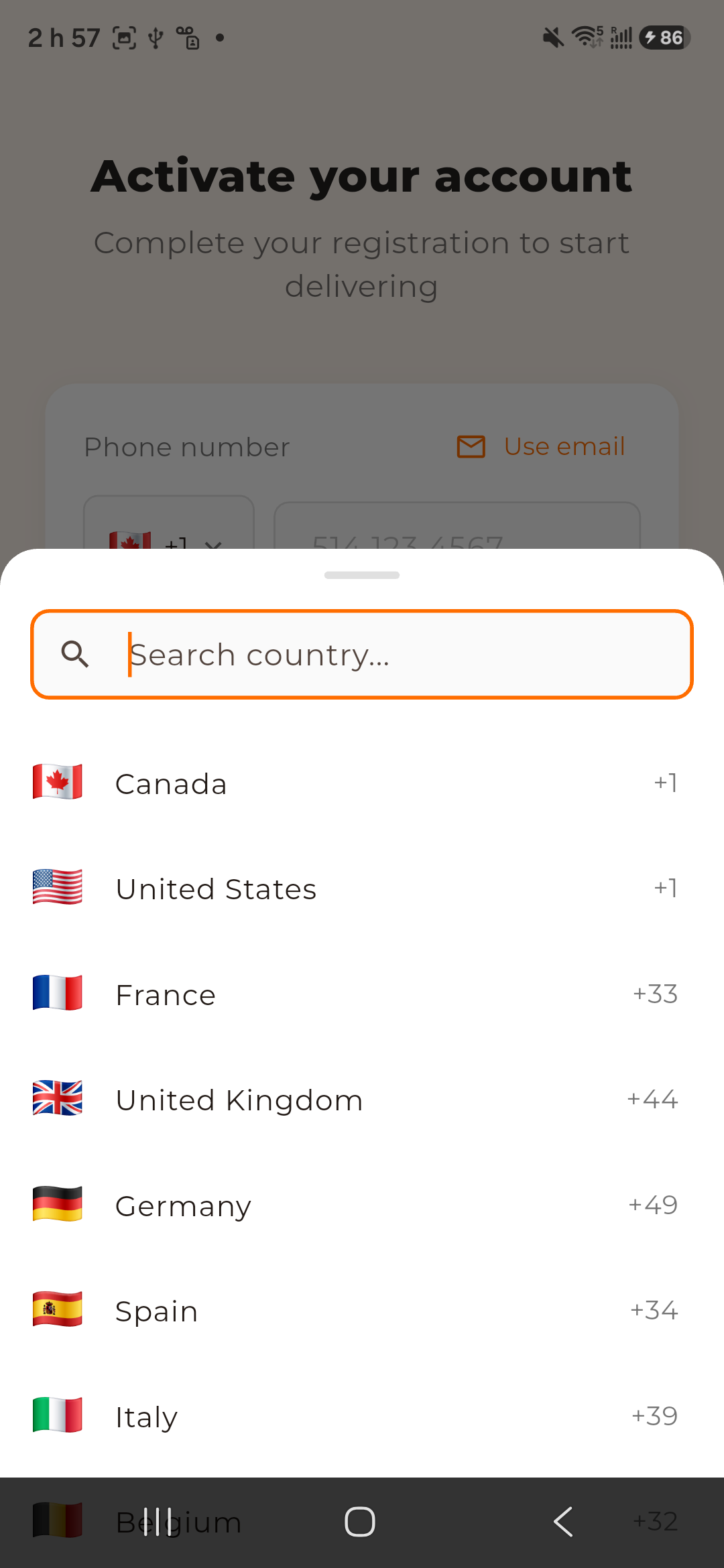
2. Activate your account: enter your Phone number. The country code is set by the flag (Canada +1 by default): tap the flag to choose another country (Search country...). You can type the number with or without its leading 0, or paste it starting with + or 00. Use email lets you sign in with your email instead.
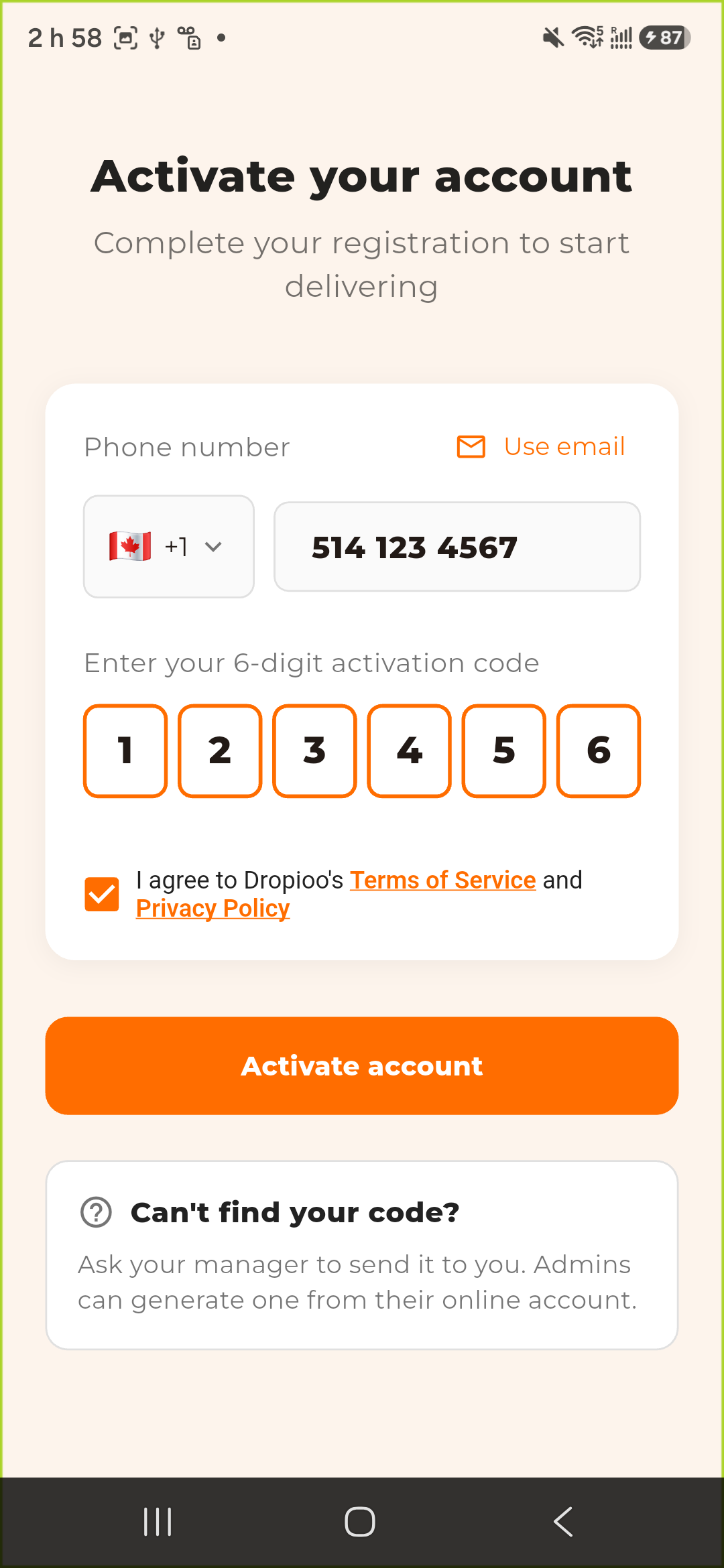
3. Type the 6 digits under Enter your 6-digit activation code, tick I agree to Dropioo's Terms of Service and Privacy Policy, then tap Activate account.
4. The app opens on your Orders screen. It then asks for the location permission, then for notifications, one after the other: allow both. The location is shared only while a route of the day is under way.
If a field is wrong, it is framed in red, with the reason (for example Activation code must be 6 digits).
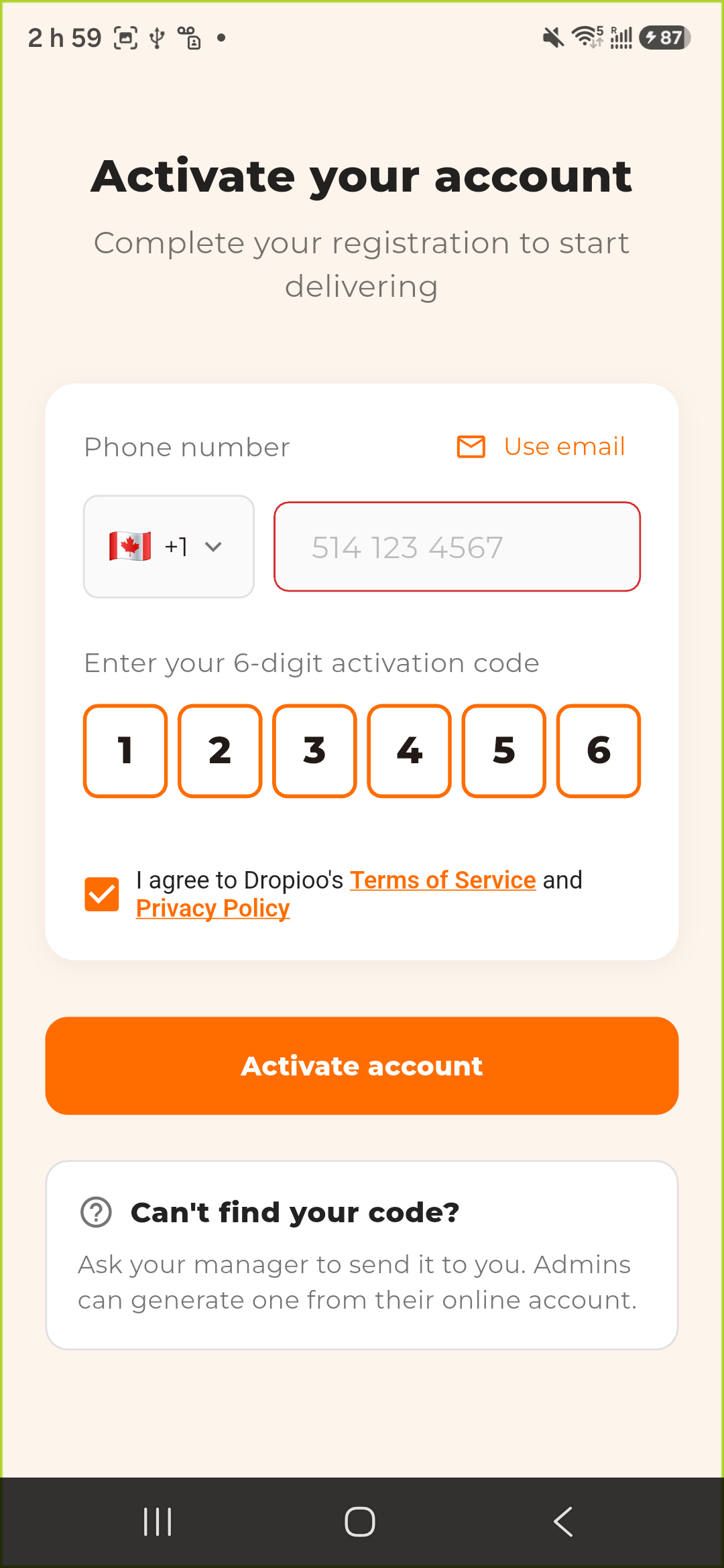
Can't find your code? Ask your manager to send it to you. Admins can generate one from their online account.
Change the language
The app follows your phone's language (English, French or Spanish). To change it: Settings tab, Language, then choose English, Français or Español.
Was this article helpful?
Still need help?
Contact support