
Table of contents
Your account and your company
Open Settings (bottom of the menu), tab Account. You can also reach it from your avatar, top right, then Profile.
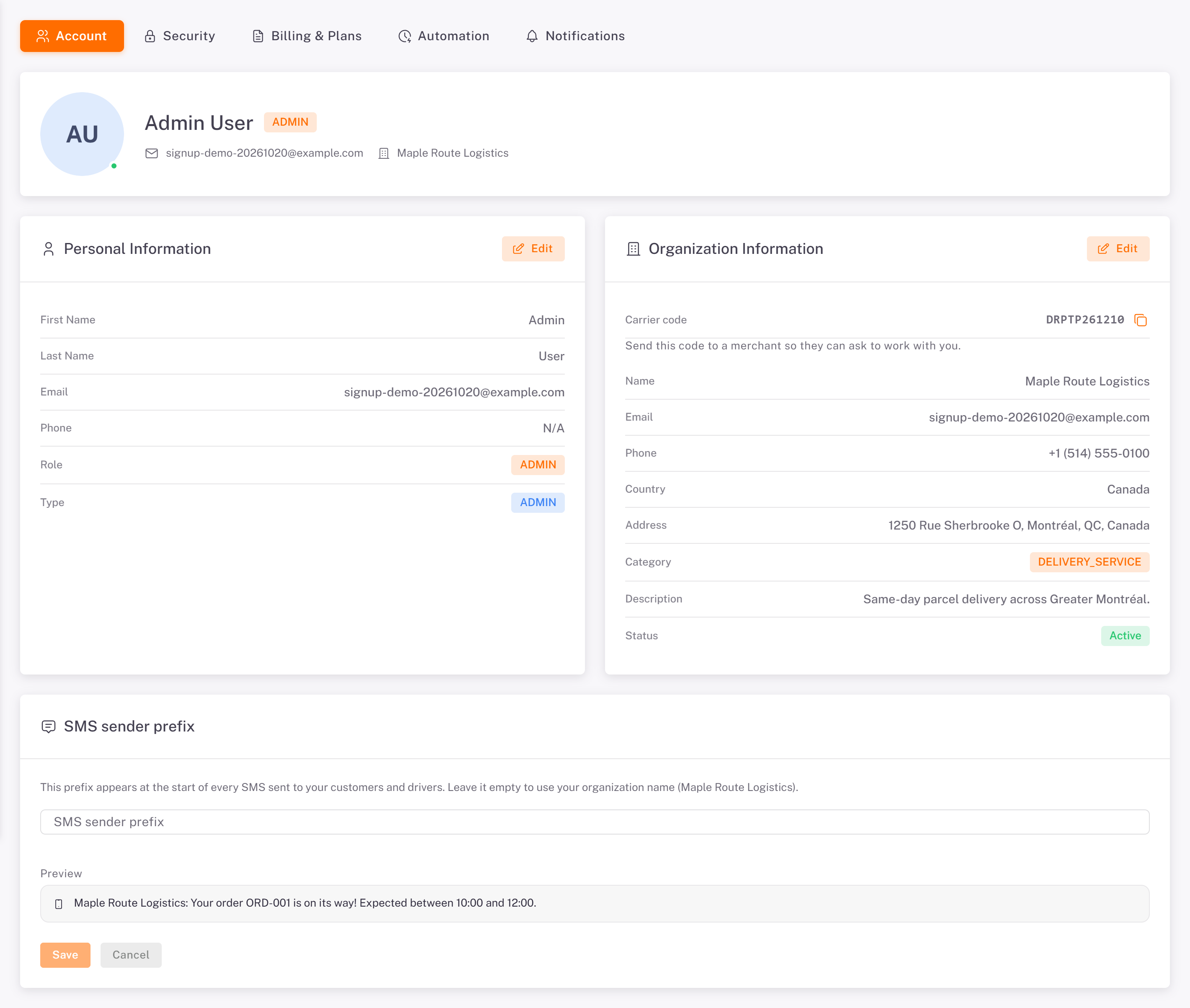
Personal Information: your first name, last name, email and phone. Click Edit, change what you need, then Save Changes.
Organization Information: your company's name, email, phone, country, address, category and description. Click Edit to change them. The Carrier code at the top (for example DRPTP…) is what a merchant types to send you a partnership request: copy it with the icon next to it.
SMS sender prefix: the name your text messages start with. See [Choosing Which Notifications Dropioo Sends](../../09-notifications-sms/01-choosing-which-notifications-dropioo-sends/en.md).
Change your password
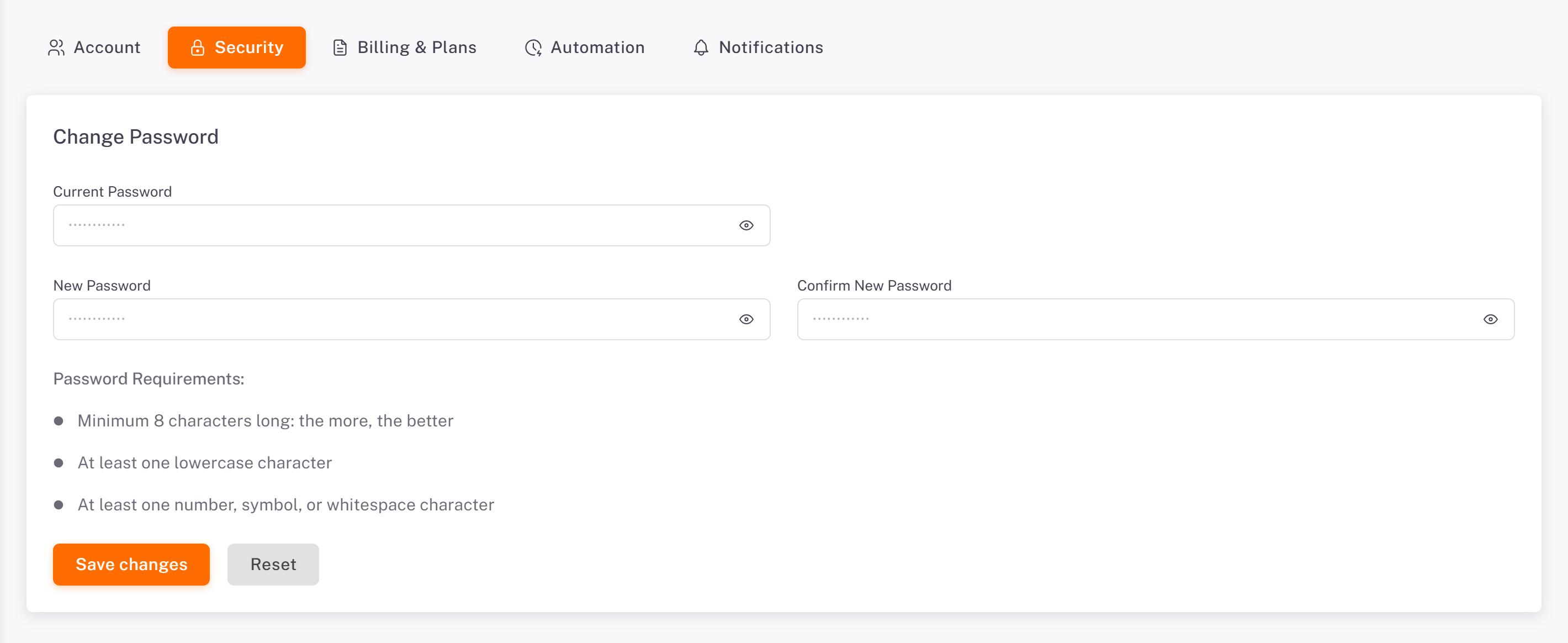
1. Open Settings > Security.
2. Enter your Current Password, then the New Password twice (Confirm New Password). The screen lists the Password Requirements.
3. Click Save changes.
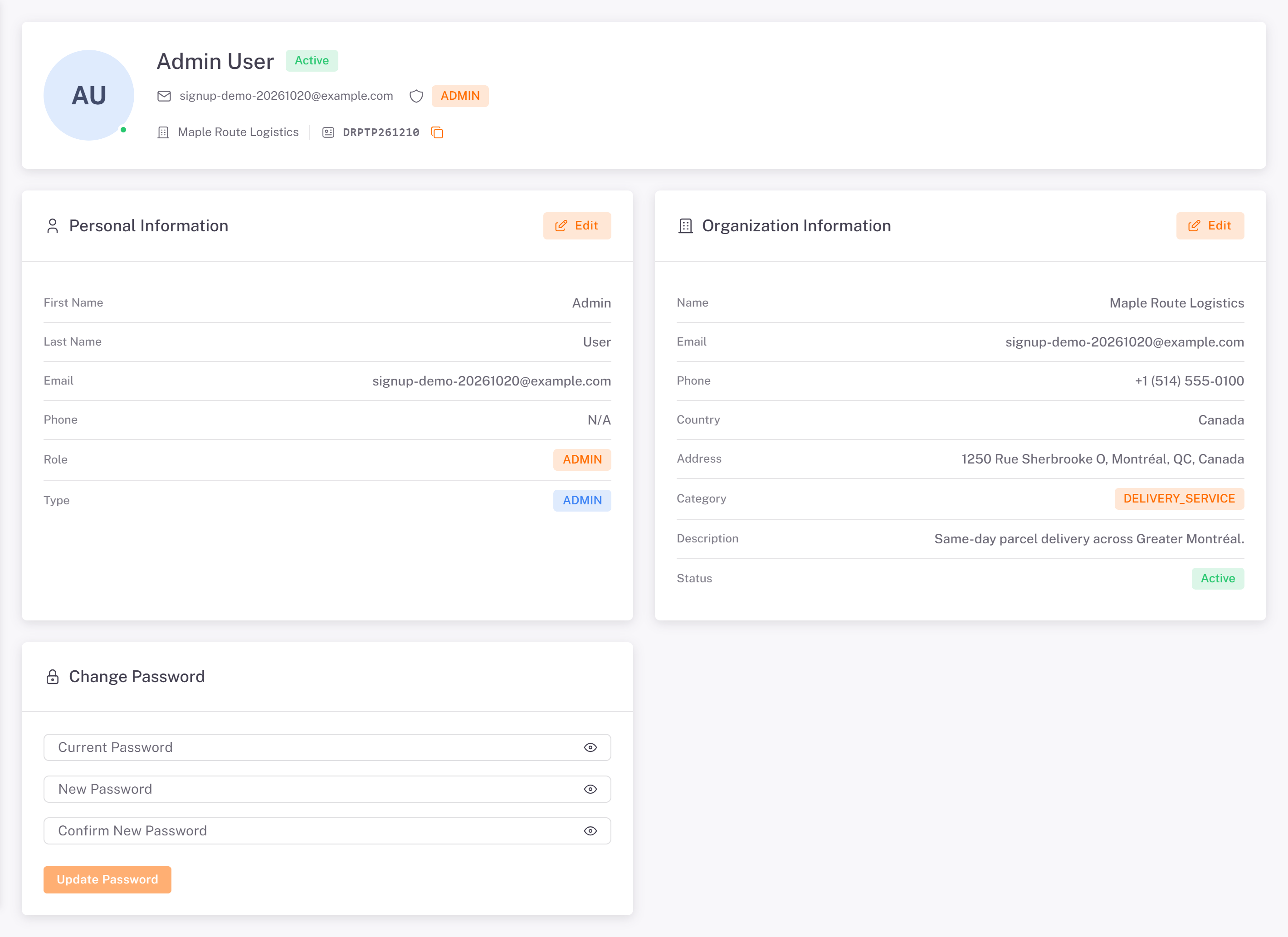
The Profile page shows the same information with its own Change Password card.
Forgot your password?
On the sign-in page, click Forgot your password?, enter your email, and follow the link you receive to choose a new one.
Was this article helpful?
Still need help?
Contact support