
Table of contents
The bell
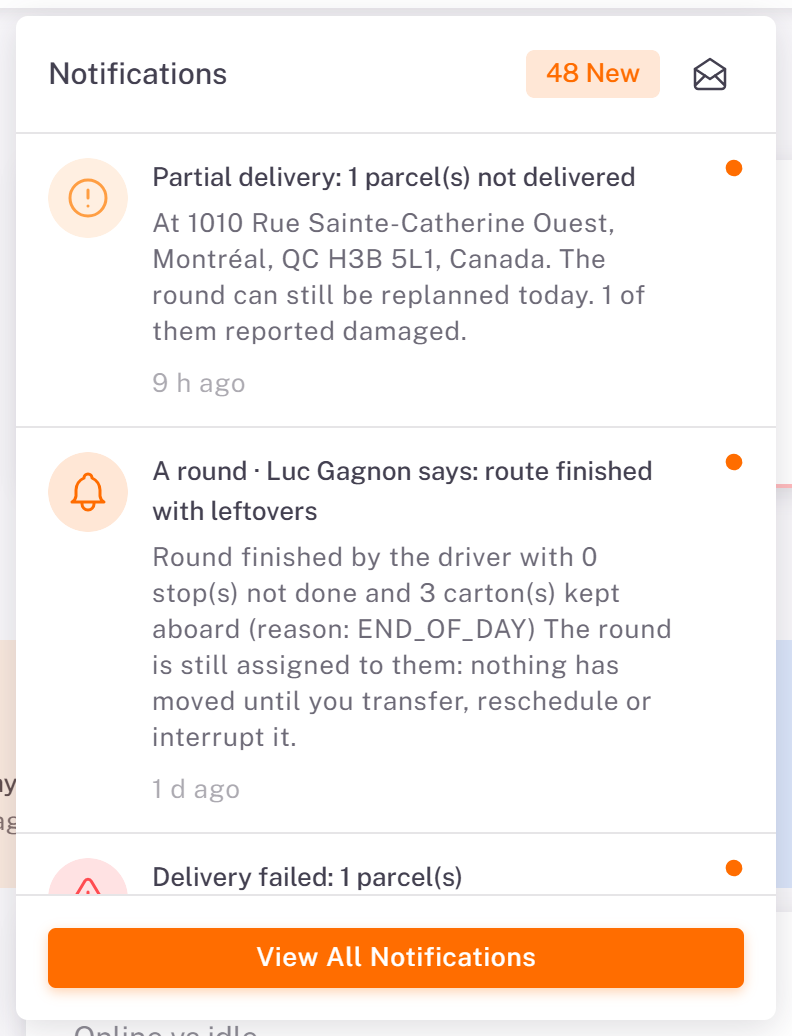
The bell at the top of every page shows how many notifications are new. Click it to see the latest ones, then View All Notifications to open the full list.
The Notifications page
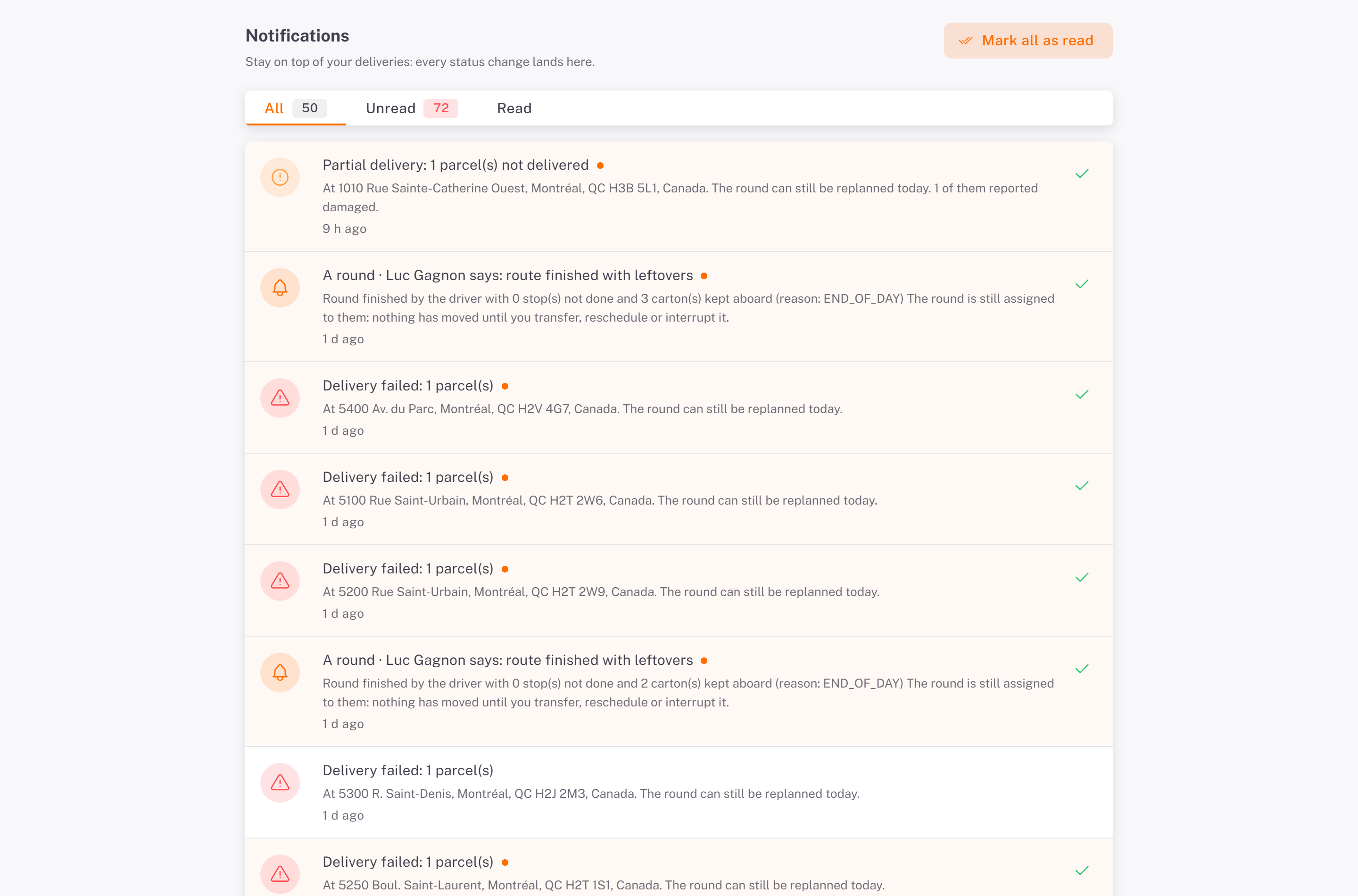
The page lists every notification, newest first, with tabs All, Unread and Read.
Click a notification to open what it is about: the order's details, the partnership requests, or the route on the Routes tab. It works even if that page is already open.
The check mark marks one notification as read; Mark all as read marks them all.
Load more shows older notifications.
Good to know
A dot marks a notification you have not read yet.
Notifications are per user: what you mark as read stays unread for your colleagues.
Was this article helpful?
Still need help?
Contact support