
Table of contents
Steps
1. On the Orders tab, hold your route card (a long press). The I can't do it sheet opens: dispatch is notified right away.
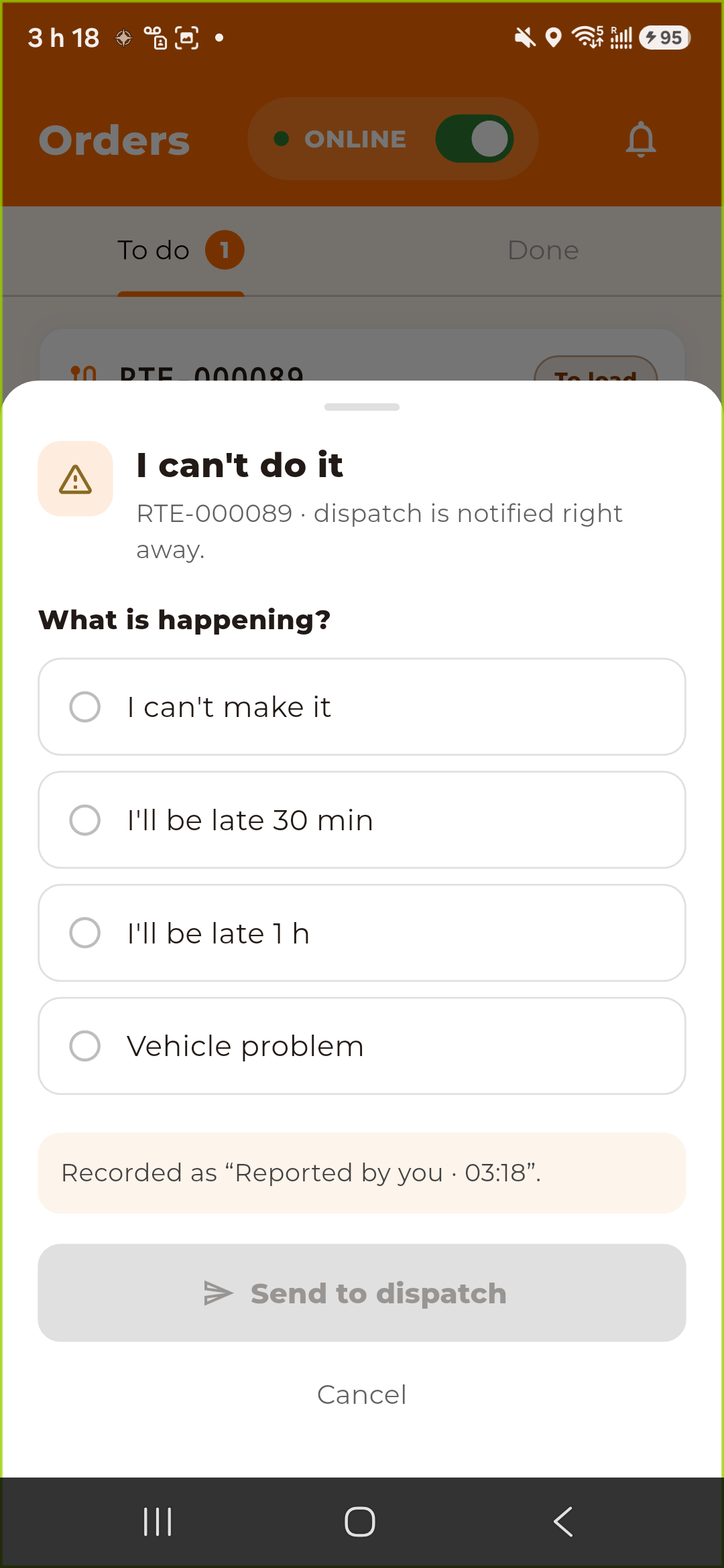
2. Under What is happening?, choose:
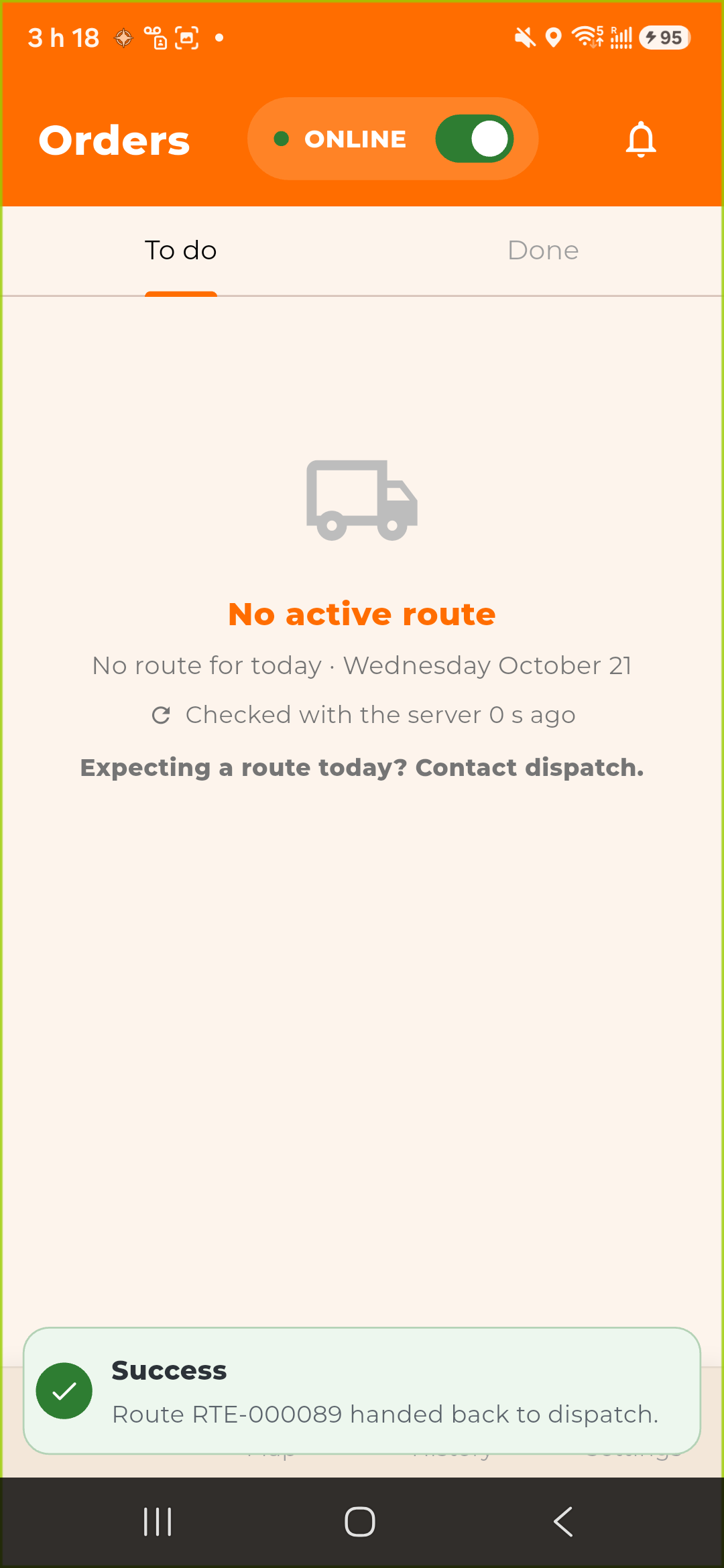
I can't make it or Vehicle problem: The route goes back to dispatch and leaves your list.
I'll be late 30 min or I'll be late 1 h: dispatch is warned. The route stays yours.
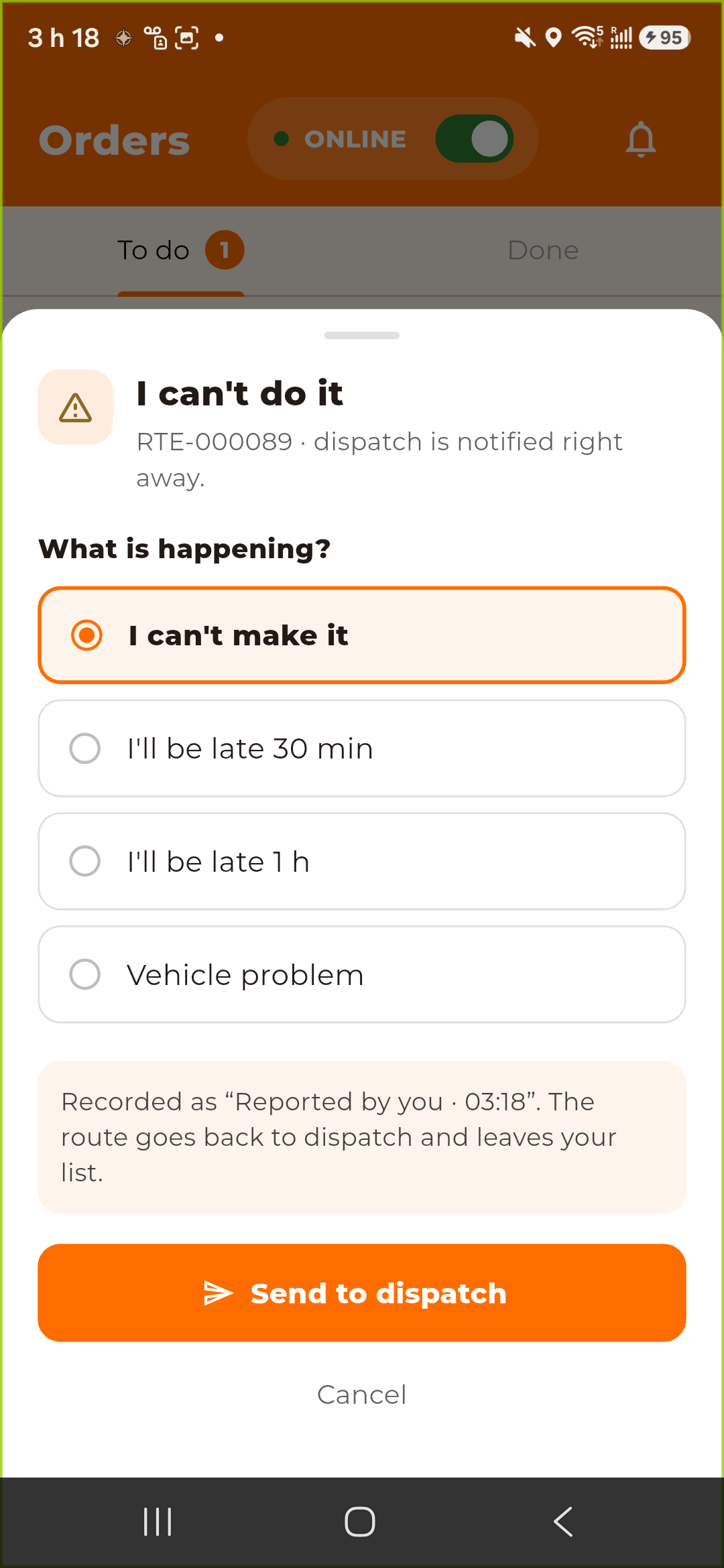
3. Tap Send to dispatch.
The app confirms: Route RTE-… handed back to dispatch., or Dispatch notified. The route stays yours. for a delay.
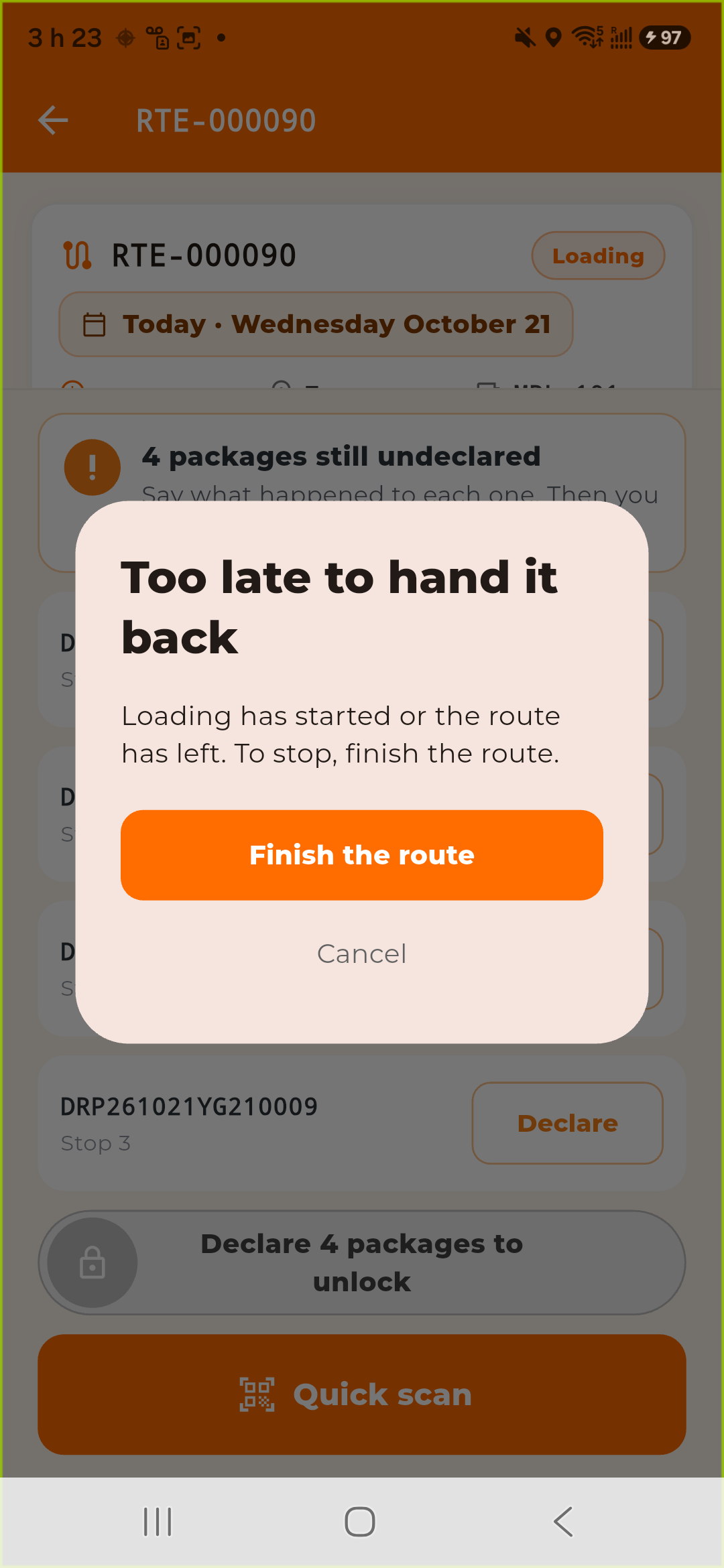
Too late to hand it back
Once you have loaded a first package, or once the route has left, you cannot hand it back. The app says Too late to hand it back: Loading has started or the route has left. To stop, finish the route. Tap Finish the route to end it (see [Finishing Your Route](../10-finishing-your-route/en.md)).
Was this article helpful?
Still need help?
Contact support