
Table of contents
Change your password
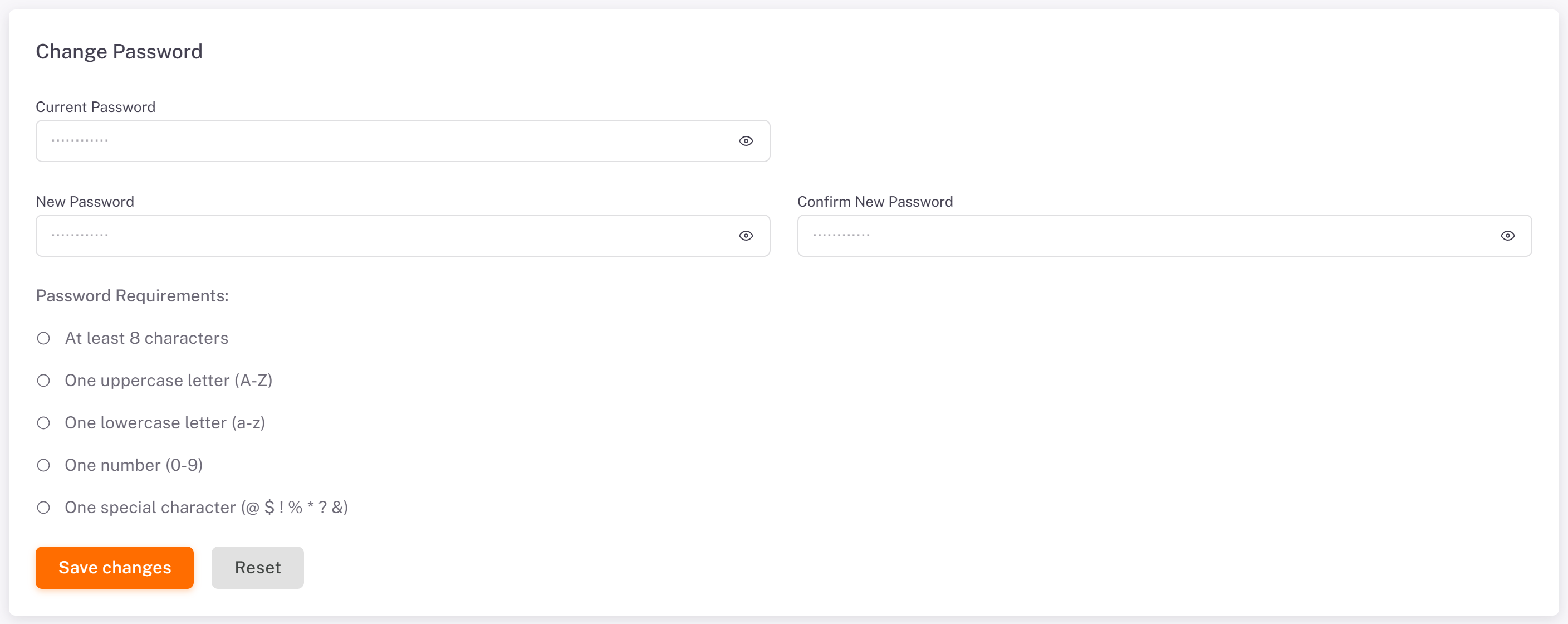
1. Open Settings, then the Security tab.
2. Under Change Password, enter your Current Password, then the New Password twice (Confirm New Password). The Password Requirements list shows the rules: at least 8 characters, one uppercase letter, one lowercase letter, one number and one special character.
3. Click Save changes. Reset empties the fields.
Read your notifications
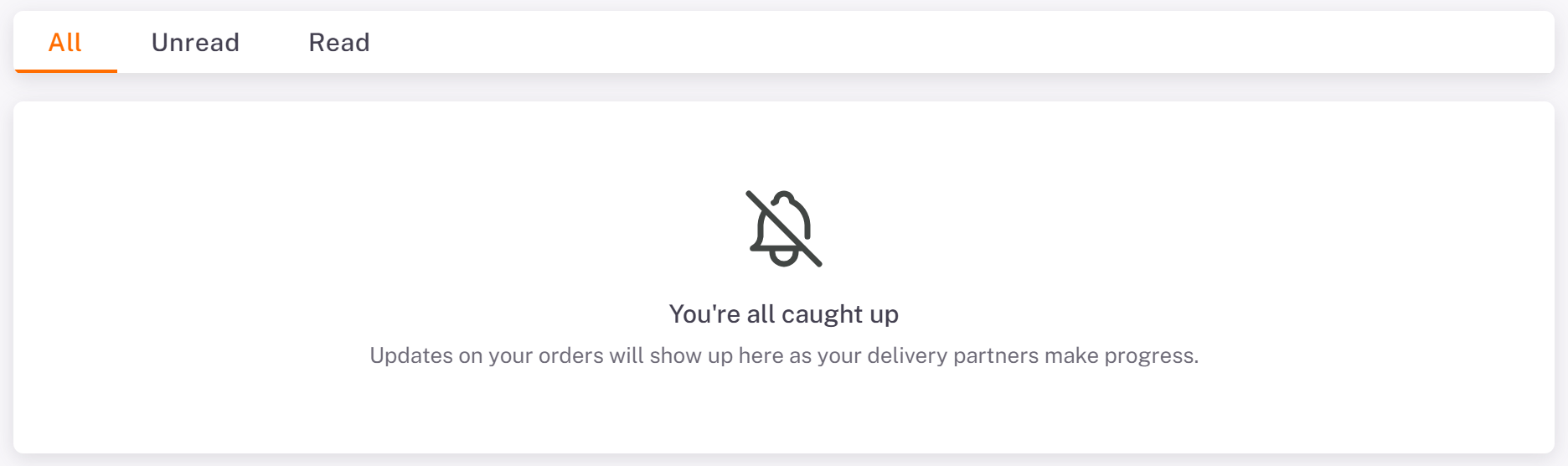
The bell at the top right opens your latest notifications; its link to all notifications opens the Notifications page. Every status change of your orders lands here, as your carriers make progress. Filter with All, Unread and Read.
Your account menu
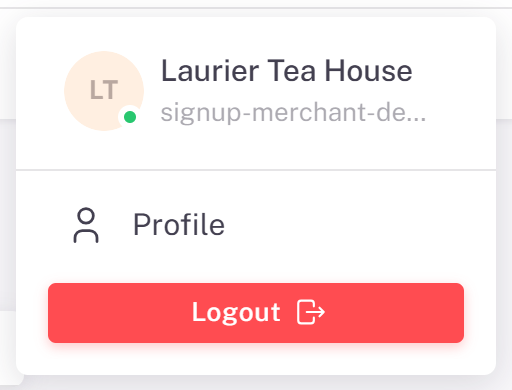
Click your initials at the top right: your business name and email, Profile (your settings) and Logout.
Good to know
Forgot your password? Sign out, then click Forgot Password? on the sign-in page.
The sun icon at the top switches the display between light, dark and your system's setting.
Was this article helpful?
Still need help?
Contact support